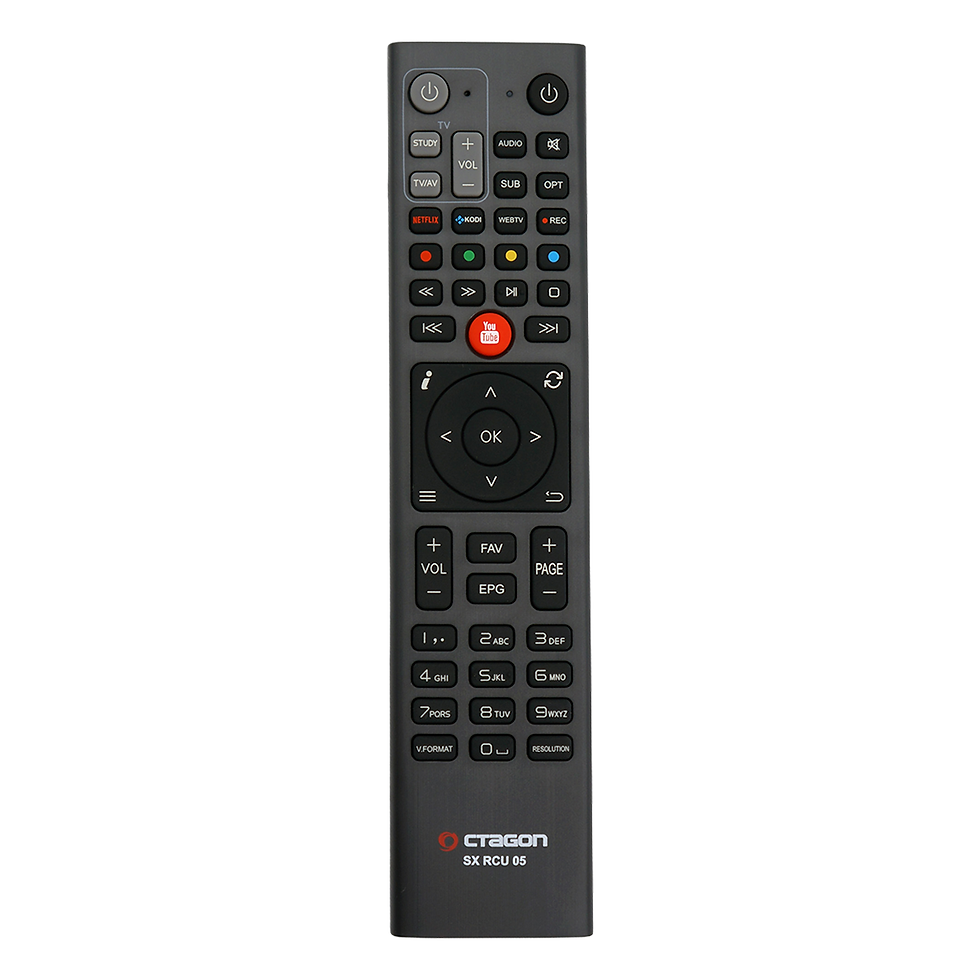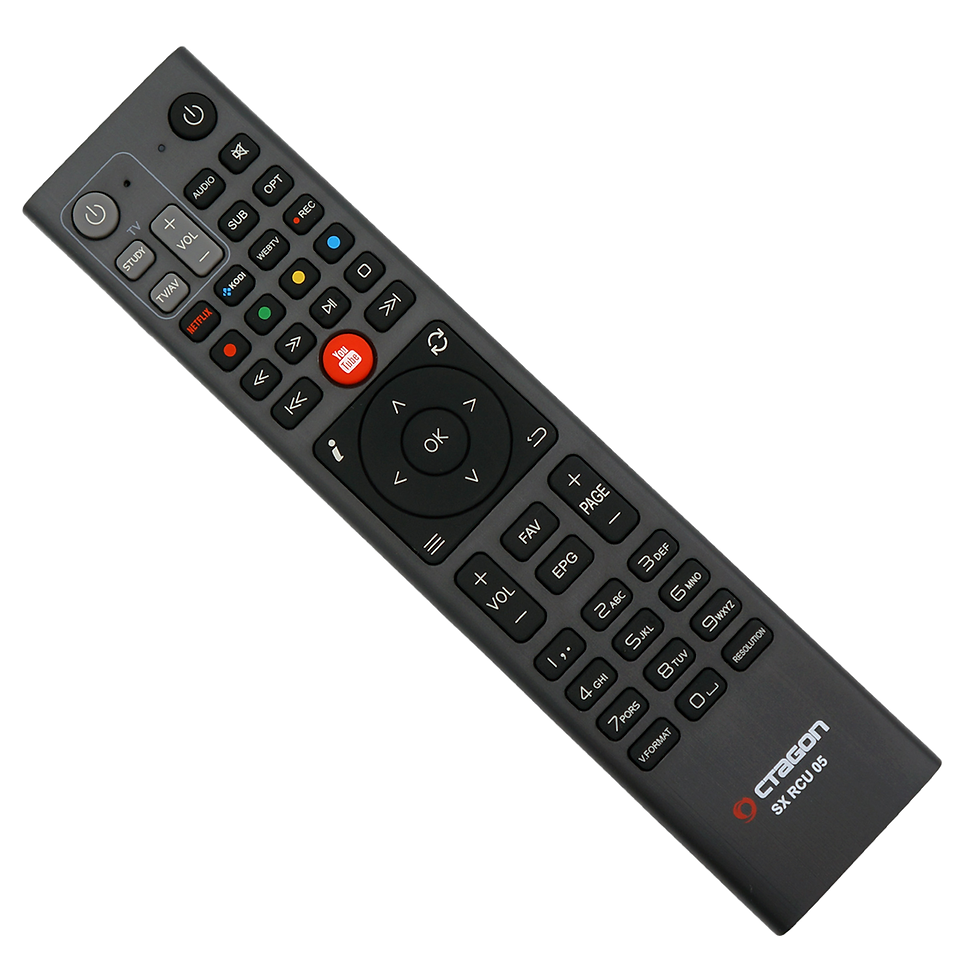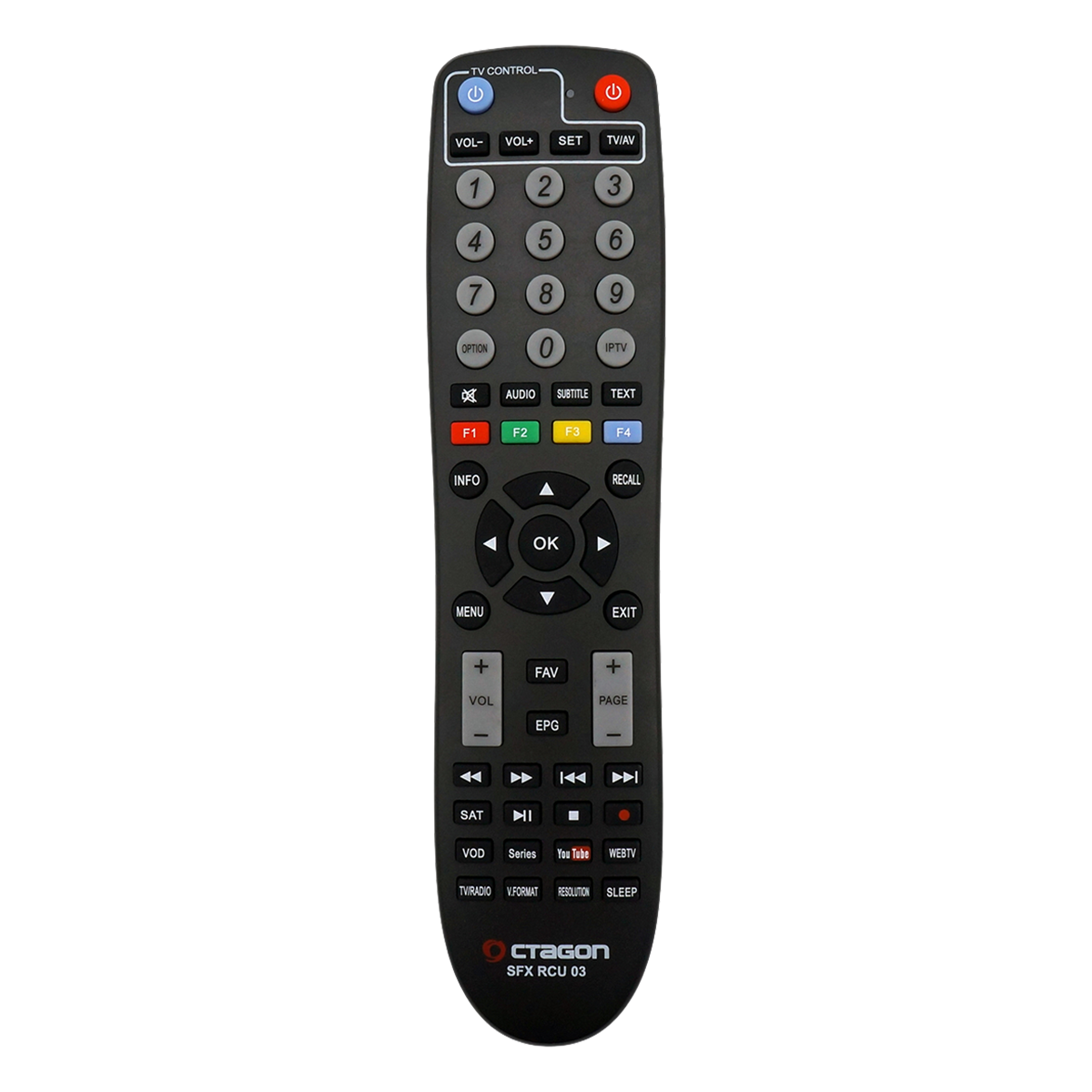

The remote control comes in a simple black color and features an ergonomic, easy-to-handle design.
Original OCTAGON remote control suitable for:
SX87 HD
SX87 HD WL
SX88 HD
SX88+ HD
SX88+ HD SE
SX88+ HD SE WL
SX88+ HD SE C/T2
SX88+ HD SE C/T2 WL
SX88+ HD Optima & Combo
SX88 4K
SX88 4K V2
SX88 4K V2 WL
SX89 HD
SX89 HD WL
SX887 HD
SX887 HD WL
SX888 HD
SX888 HD WL
SX888 4K
SX888 4K V2 WL
SX889 HD
SX889 HD WL
SX988 4K
SF8008 4K Single, Combo, Twin, mini Combo, Gold Edition
SFX6008 HD
SFX6008 HD WL
SFX6018 HD
SFX6018 HD WL
S2-IP / WL & IP 4K / WL
ASAT HDR No.1
Technical specifications:
Color: Black
57-button layout
Buttons for YouTube, ReCall, V.Format, and more
Elegant, ergonomic, and convenient design
Some buttons can be programmed to learn functions from your TV remote:
1. Press and hold the "STUDY" button for 3 seconds.
2. Press and hold the "POWER" button (in the TV section) for 10 seconds.
3. Position your TV remote and the STB remote 3 cm apart, facing each other. Press the power button on your TV remote. The LED light in the TV section will flash 3 times and then remain lit, indicating that the function has been successfully learned.
4. Repeat steps 2 and 3 to program other buttons. Press the "STUDY" button again to exit the learning mode.